


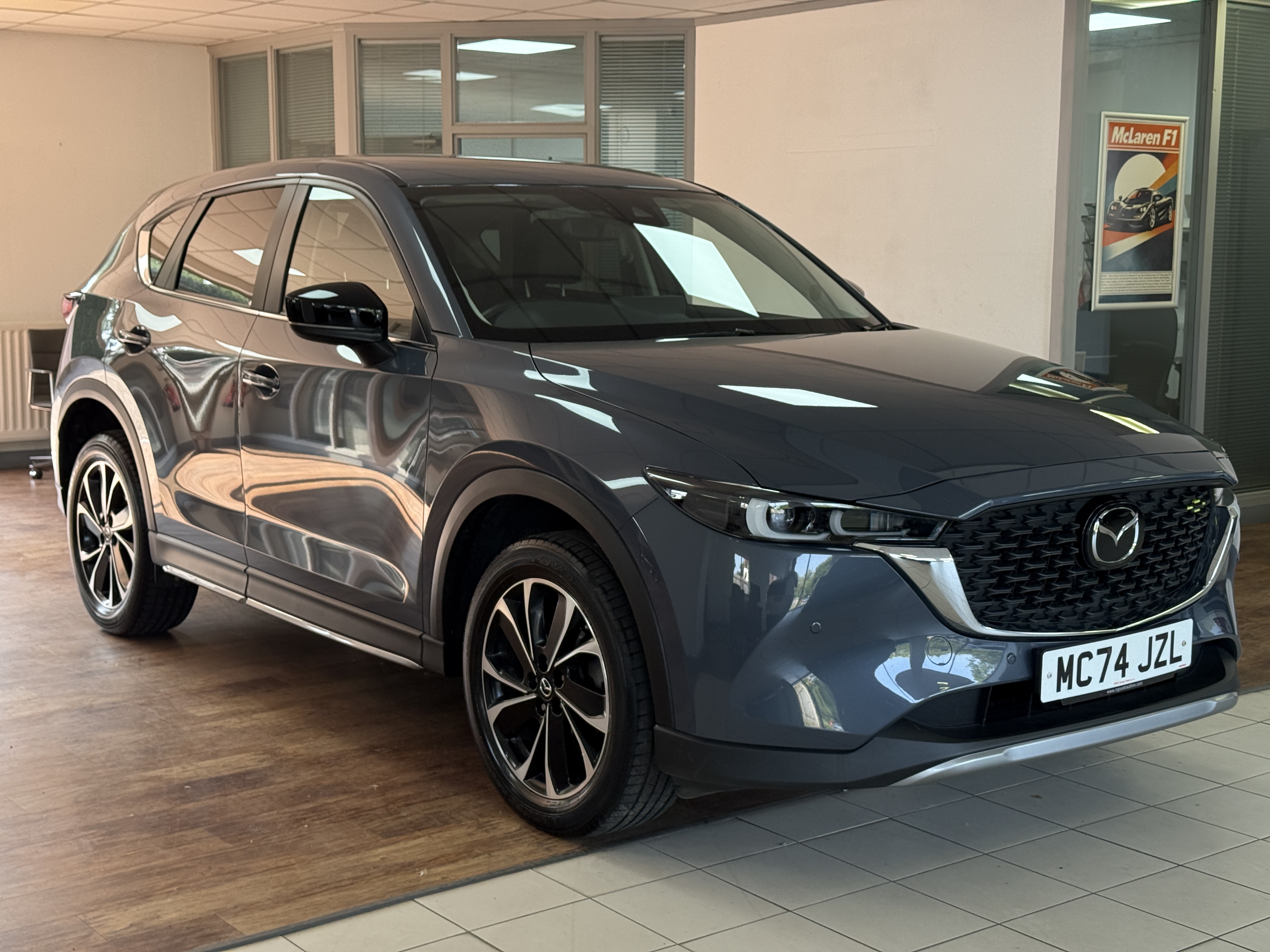
Pick a scene from the Scene gallery, or a plain colour. This is baked into every photo.
Adjust shadow strength and softness to match the look you want.
The cutout is built for the car against a background. Uploading interior shots (seats, dash, screens) can cut out the wrong things — tick "Interior shot" on those photos to keep them whole.
Get your settings right first — processing uses 1 token per photo. Changing the background or shadow afterwards re-processes and charges again.
Promo video
Turns the finished photos into a branded video — a colour wash sweeps across each shot with your text animating in. Write a line or two for each photo below (leave blank for no text). Free — made right here in the browser.
Brand tiles
The extra advert images between your photos — reviews, warranty, finance, part exchange and more. One consistent layout, your colours, exported at 1600 × 1200 ready for your listings.
Advert description
Enter the car, pick a style, and the writer drafts your advert — plus a punchy attention grabber for the top of the listing. It also fills your promo and social video captions with the car's best bits, ready to tweak in the next steps.
Your advert so far
Profile
Set everything once — every photo, video and tile comes out branded automatically.
Logo
Music
Contact details
Preferences
Change password
Account
1 token per photo · 2 per video · descriptions free. Tokens never expire.
Invoices
Invoices are issued by Dealer Studio Ltd. We are not yet VAT registered, so no VAT is charged; once registered, VAT invoices will be issued automatically.
Token history
Storage
Keep every car's finished photos, videos and adverts saved to your account — searchable any time in Inventory, on any device. Your first 1GB is free (roughly 15–30 cars). Upgrade any time as your library grows.
Inventory
Every car you've saved — reopen to re-download or continue.
Support
FAQs
How do tokens work?
1 token per photo, 2 per video. Descriptions are free once a car has media. Tokens never expire, and bigger packs cost less per token.
Is the car itself ever changed?
Never — paintwork, plates and wheels are untouched pixels from your original photo. Only the background, shadow and branding change.
What if a photo fails?
You're automatically refunded the token — you only ever pay for finished photos.
Do I need a contract?
No. Pay as you go — buy tokens when you need them, walk away whenever.
What photos work best?
Any phone is fine. Get the whole car in frame with a little space around it, shoot in daylight where you can, and keep the camera roughly level with the middle of the car. The cleaner the original, the cleaner the cut-out.
Can I use my own backdrops and logo?
Yes — upload your logo in Profile, and pick from the built-in studio scenes. Custom backdrop uploads are on the way.
How does the advert writer know the car?
Type the registration and we look up the make, model and spec, then write the advert around it. You can edit anything before you use it.
Where do the videos and photos go?
You download them from the Finish page as a tidy ZIP — ready for Autotrader, your own website, Facebook, Instagram or TikTok.
Can my sales team have their own logins?
Team logins under one shared wallet are coming soon — email us if you'd like it early.
How do I get a refund or a VAT invoice?
Email us and we'll sort it. Unused token packs can be refunded within 14 days of purchase.
Contact us
The quickest way to reach us is email — we reply within one working day.
Dealer Studio Ltd · info@dealerstudio.co.uk
Legal
Scene gallery
Browse every studio backdrop before you choose. On the Photos step, pick your scene from the dropdown — plain-colour backgrounds are free, AI scenes use 1 token per photo.
Social video
Vertical 9:16 video for TikTok, Instagram and Facebook — quick cuts, big advert text, straight in on the car and ending on your logo. Uses the same music pick as the promo video above.